
Discover the top 5 ERP failures and learn how to avoid costly mistakes in your own ERP implementation.


Posts by Technical Team at Clients First Business Solutions:
Discover the top 5 ERP failures and learn how to avoid costly mistakes in your own ERP implementation.

What is pour level technology? See how BatchMetrics integrates with SAP Business One to automate batch production, inventory updates, and accounting control.

Discover the top 5 reasons to invest in new ERP software and transform your business operations for greater efficiency and growth.

Automate plastic manufacturing with MES sensor technology for SAP Business One. Enhance data accuracy, reduce waste, and save labor costs with Clients First's integration solution.
Explore how Microsoft Azure and Dynamics 365 Business Central ensure top-tier cloud security with multilayered protection, data encryption, and compliance features for your business.

Discover the 5 key factors to a successful print MIS/ERP implementation and ensure efficient software transition with expert insights from Amy Servi.
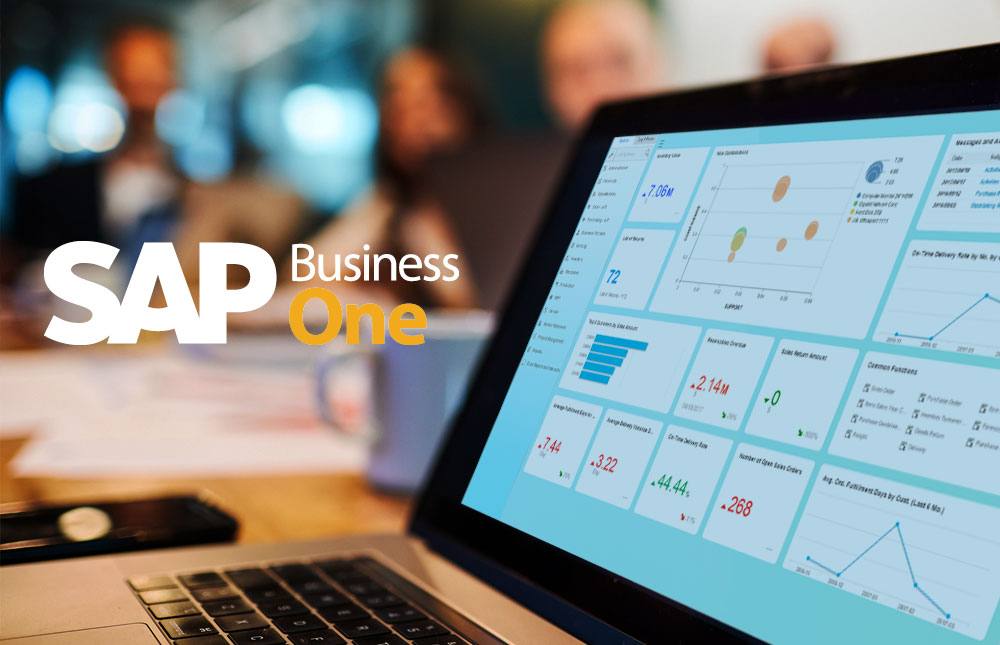
Complete guide to SAP Business One 9.3 maintenance end, 10.0 upgrade benefits, and future roadmap for optimal ERP performance.

Learn the biggest print estimating mistakes that erode margins and how print MIS software improves accuracy, consistency, and profitability.

Learn how to set up and use cash flow forecasting in Business Central to improve visibility, plan liquidity, and make better financial decisions.

Learn what SAP Business One is, how it works for manufacturers, pricing, deployment options, and how it compares to NetSuite.

Top 3 reasons companies switch SAP Business One partners, plus what to look for in better support, hosting flexibility, and long-term value.

Essential steps for a smooth year-end close in Dynamics 365 Business Central, including financial statement preparation, invoice collection, and system clean-up procedures.